
OzMaps · learning maps
Learn in branches, not in fixed chapter order
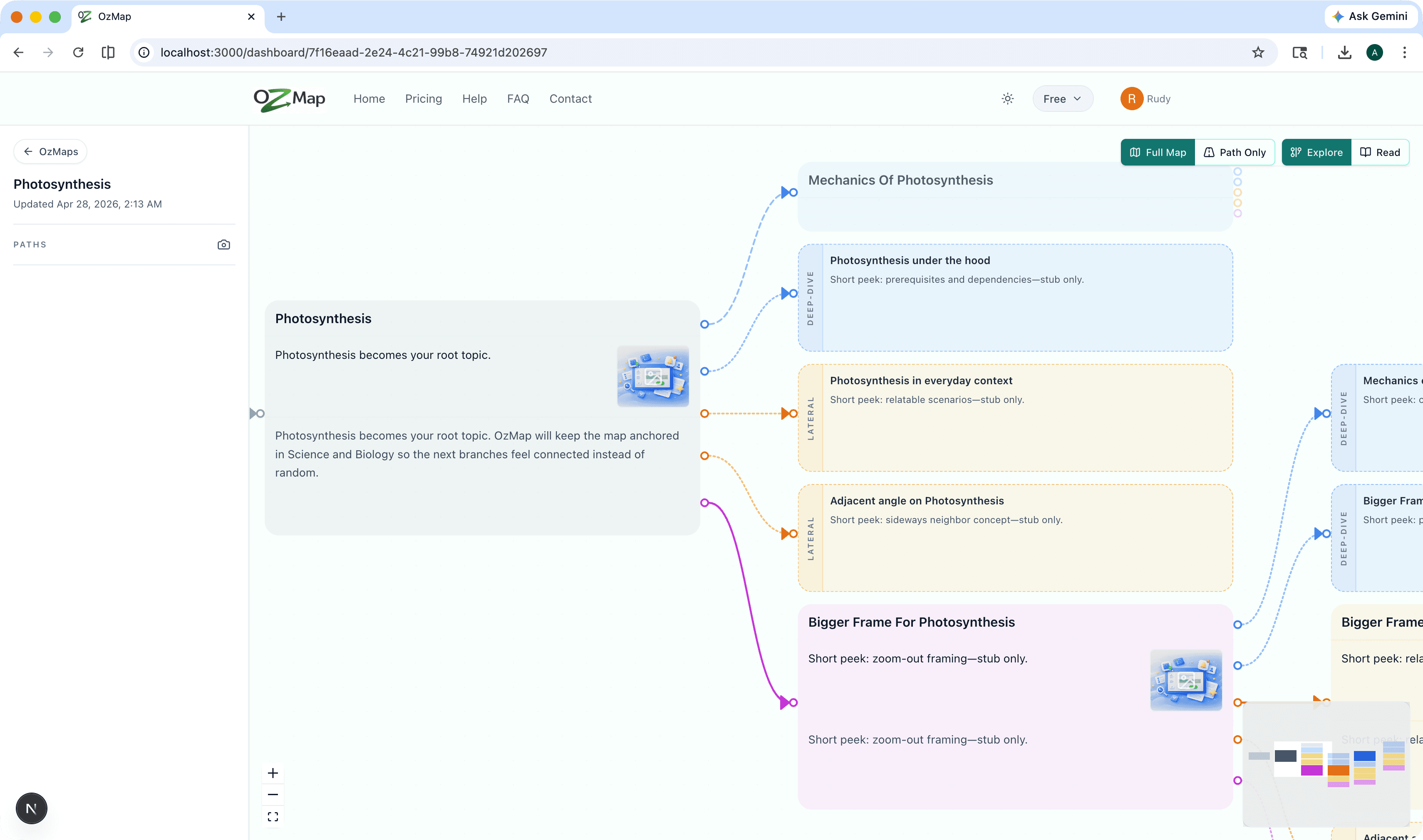
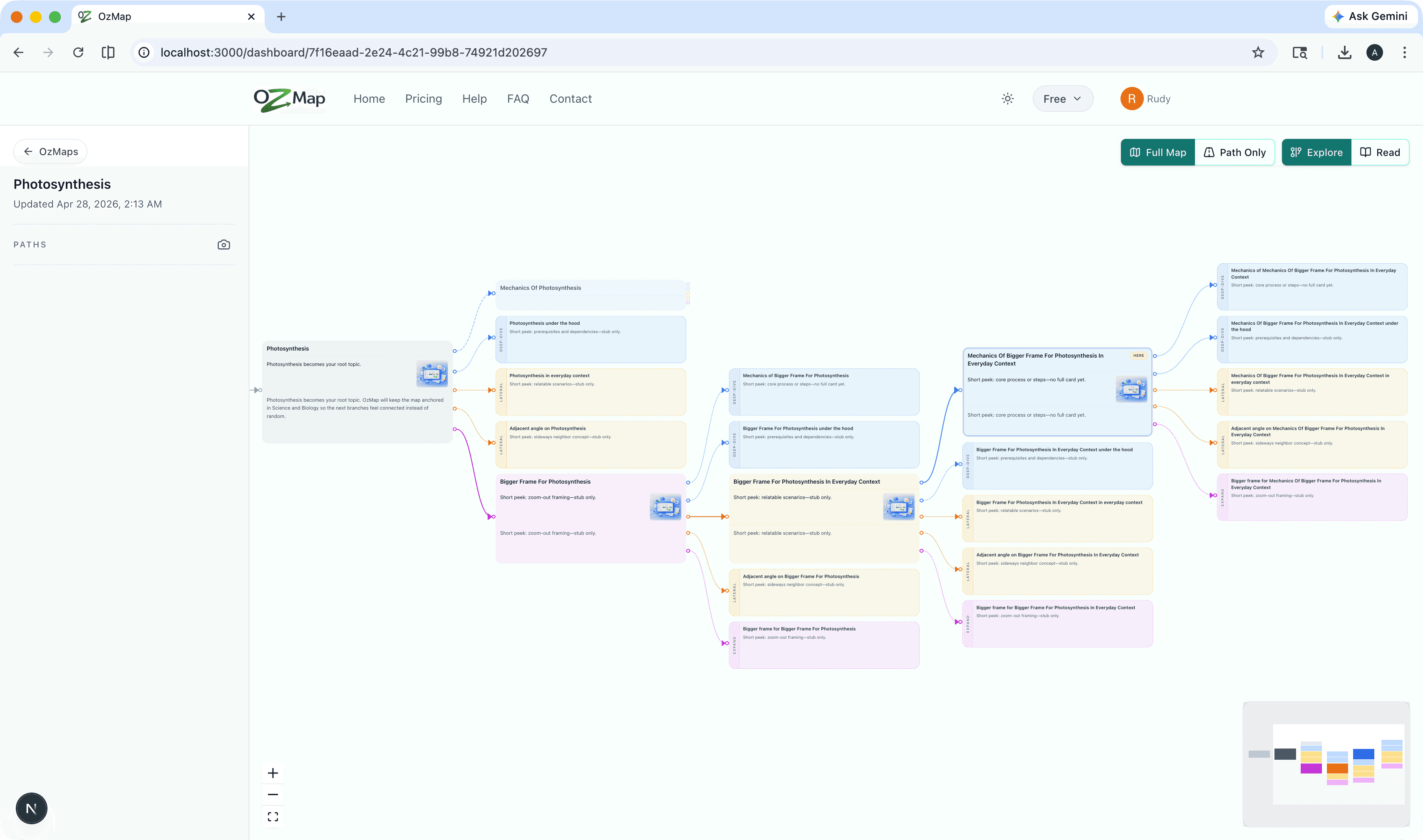
OzMap turns a seed topic into a living graph: explore related ideas on a lane-style canvas, save where you are with path bookmarks, optionally focus just the nodes on your current path—and when you want narrative flow, open Read for a book-like walkthrough of the same map.
Explore a lane graph
Seed a topic, add optional interest chips, then pan and zoom through a branching canvas built for curiosity—not a single locked outline.
- Focus nodes to read and expand what you have already revealed.
- Follow suggested next steps when your map offers them.
- MiniMap and zoom controls keep large maps navigable.
Paths & bookmarks
Stay oriented on one branch or jump back to a saved moment on the map.
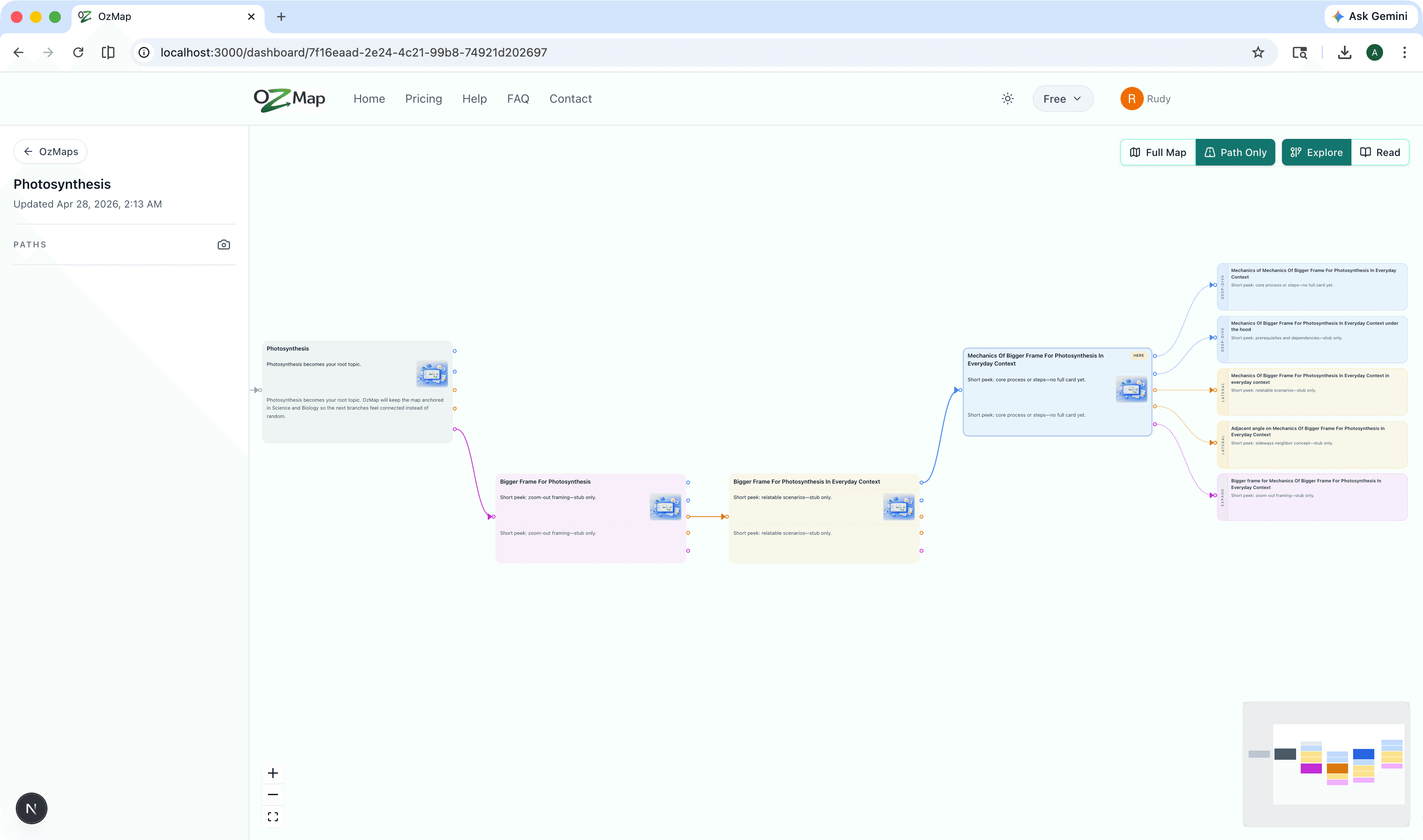
- Toggle Full Map vs Path only in Explore to widen or narrow what you see on the canvas.
- Save the current focus as a path bookmark from the sidebar; rename or delete bookmarks as your study plan changes.
Read & export
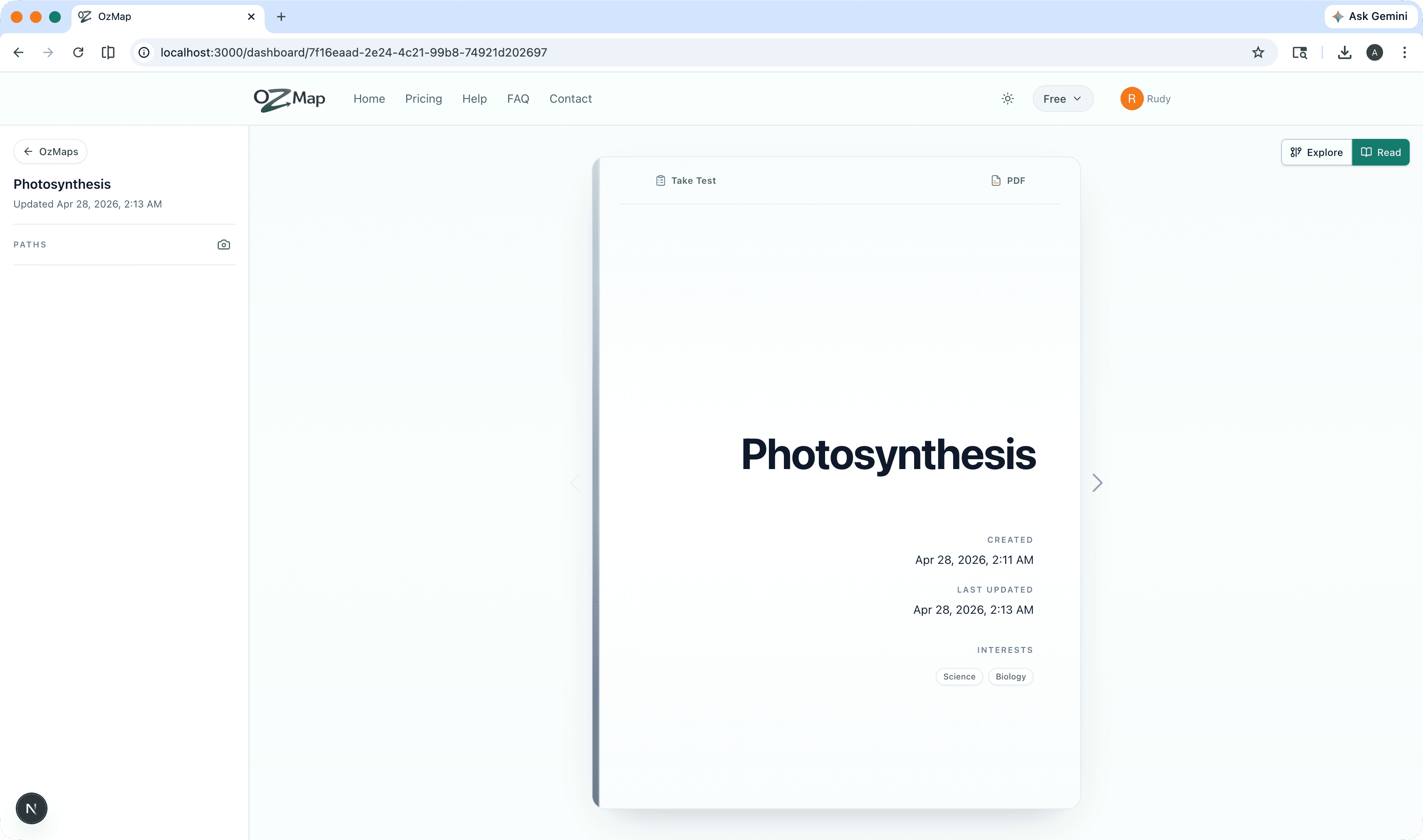
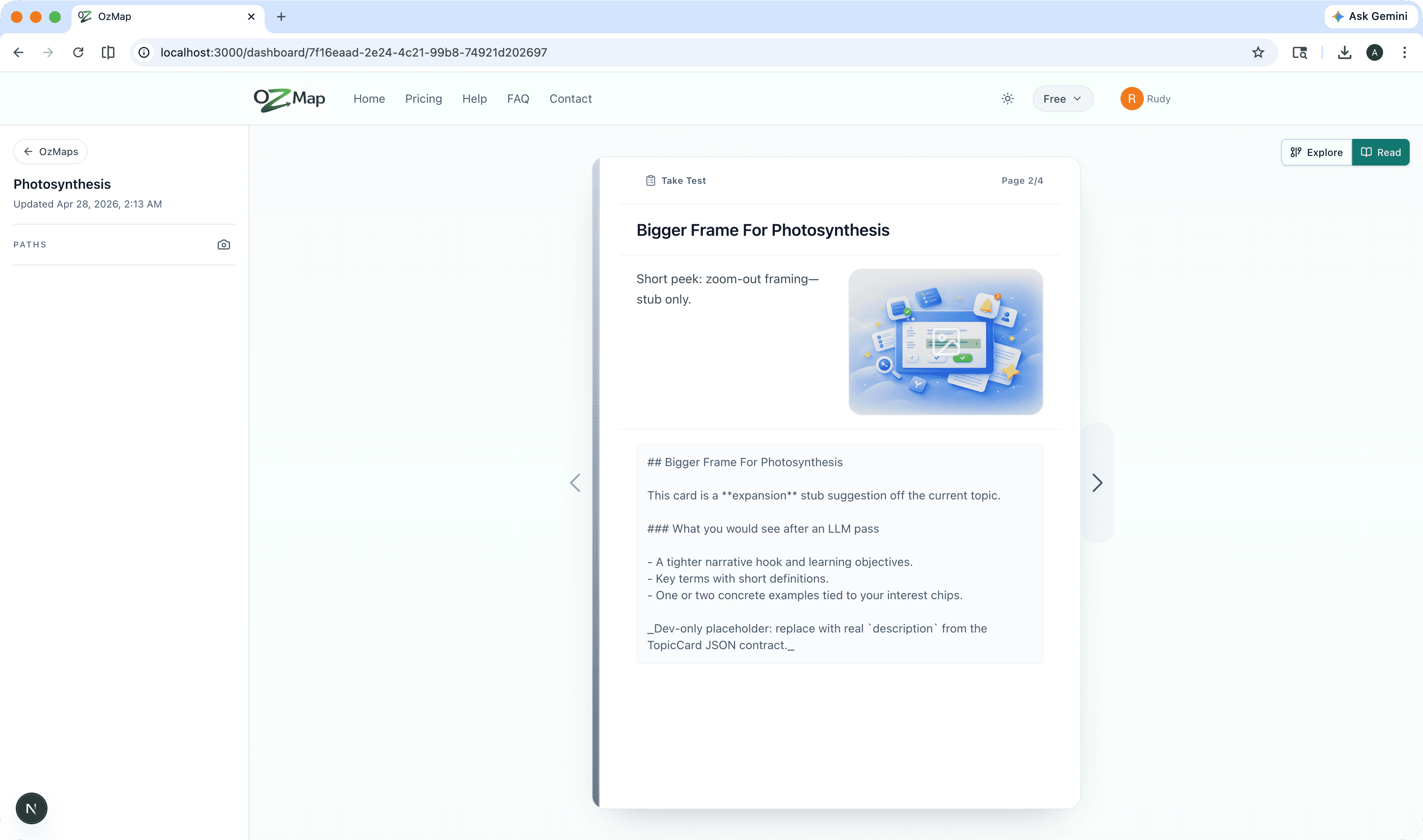
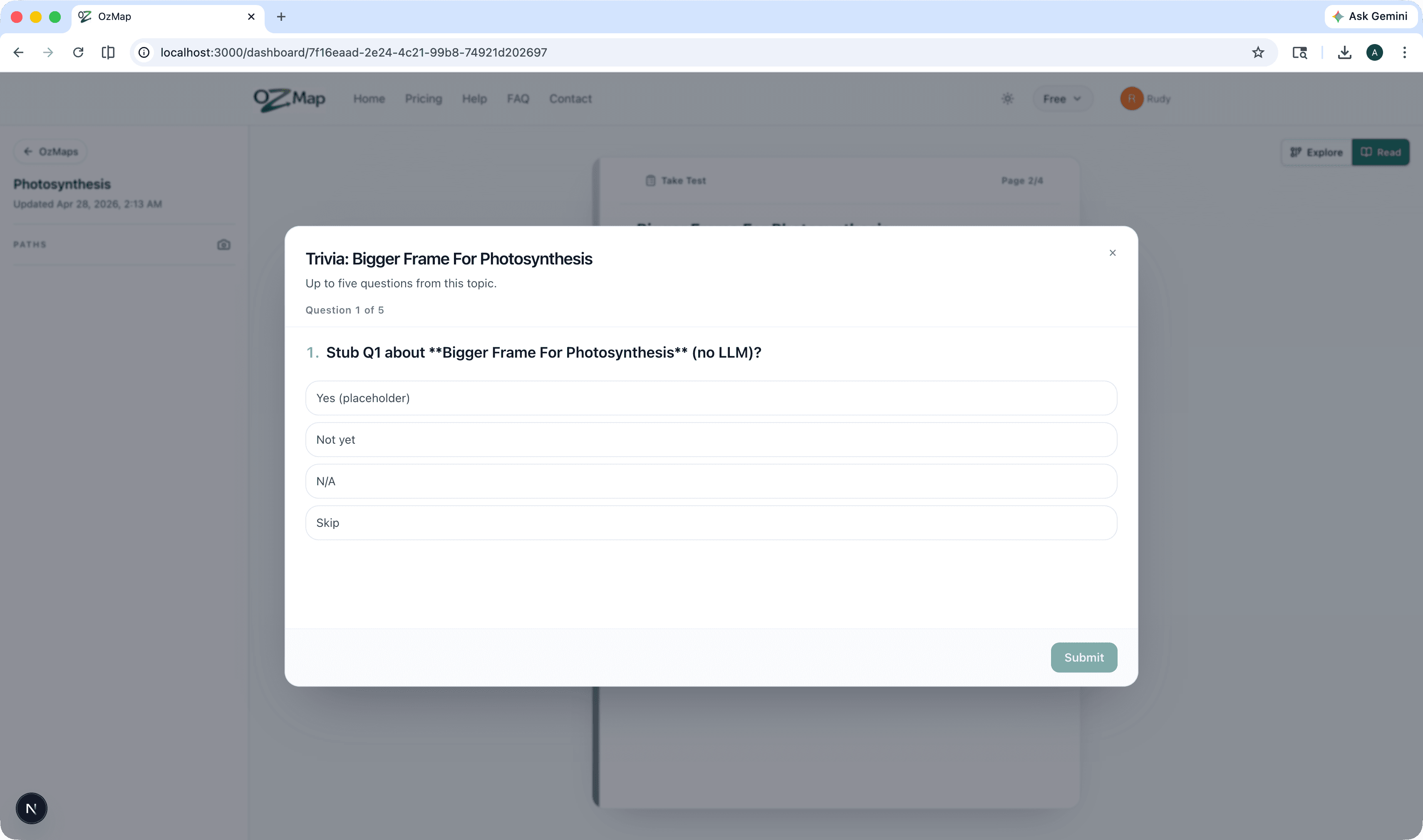
Switch to Read for a linear spine through your map—slides in path order, with optional trivia when your content supports it.
- Walk topics like chapters without losing the underlying graph.
- Export a PDF from Read when available—including a question bank when trivia exists.
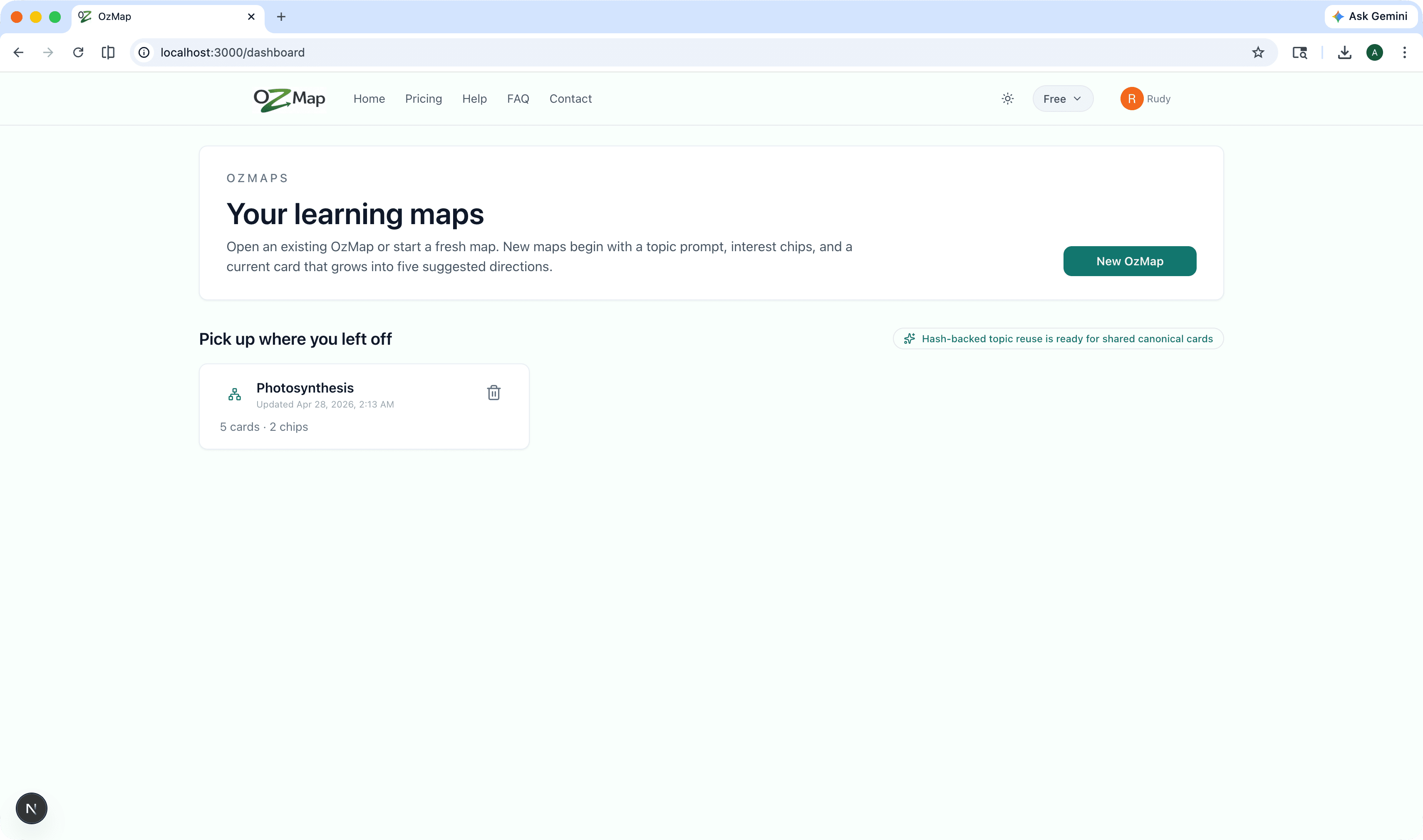
- Your OzMaps persist so you can pick up where you left off.
What is OzMap?
OzMap is a learning map product: each OzMap is one saved graph you grow from a seed topic. You work in Explore to follow branches, reveal nodes, and (when offered) accept AI-assisted suggestions—then use Read when you want the same material presented as a linear spine instead of free navigation.
Path bookmarks remember important focus points; Path only view hides off-path nodes so the canvas matches the thread you are following. Maps, nodes, and bookmarks live in the cloud with your account so sessions are resumable from the dashboard.
Common use cases
OzMap fits self-directed study, interview prep, hobby deep-dives—anywhere you want a map that grows with questions instead of a single fixed syllabus.
- Outline a new subject, then branch until the edges match what you care about.
- Save bookmarks at “exam chapters” or milestones and jump between them while revising.
- Narrow to Path only when the full graph feels noisy mid-session.
- Use Read mode to rehearse in order, then drop back into Explore to add branches.
- Share progress with yourself via PDF when your map supports export from Read.
Plans for students and curious minds
Start free with a lighter plan, then unlock more maps, depth, and power features when you are ready to go deeper.
Free
$0
Try OzMap with a small graph—enough to feel the mind-map flow.
- -Limited maps
A capped number of OzMaps per month while you explore.
- See full list
Essential
$9.99/mo
More nodes per map, saved OzMaps, and room to grow your maps.
- -Saved OzMaps
Keep maps organized and reopen them from your dashboard.
- See full list
Pro
$14.99/mo
Unlimited maps, deeper AI expansion, and advanced study modes.
- -Quizzes & checks
Turn node explanations into quick checks so ideas stick.
- See full list